Some Volumes Will Be Lost After Converting Dynamic Disk to Basic
This article applies to: Dynamic Disk Converter
Before converting dynamic disks, review Dynamic Disk Manager features and recovery precautions.
Overview
Introduction:
When converting a dynamic disk to basic, you may receive a prompt saying that some volumes will be lost.
This warning appears because Qiling Disk Master cannot directly convert some dynamic disk layouts, such as spanned, striped, or RAID-5 volumes, into basic partitions. Back up important data before conversion.
Situations that may cause volume loss
Situation 1:
If the dynamic disk contains spanned, striped, or RAID-5 volumes, you will see a warning like the screenshot below:
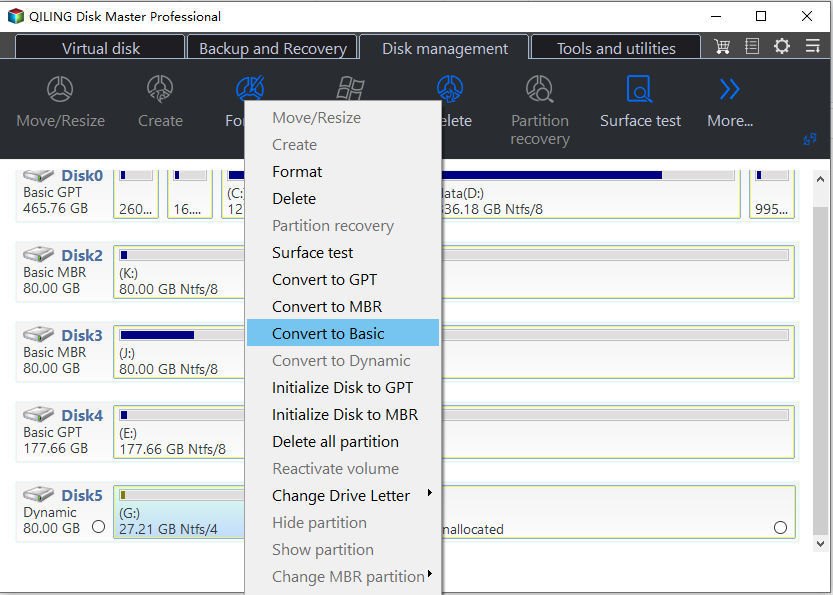
After confirmation, the software converts the dynamic disk to a basic disk, but unsupported volumes may be removed during the process.
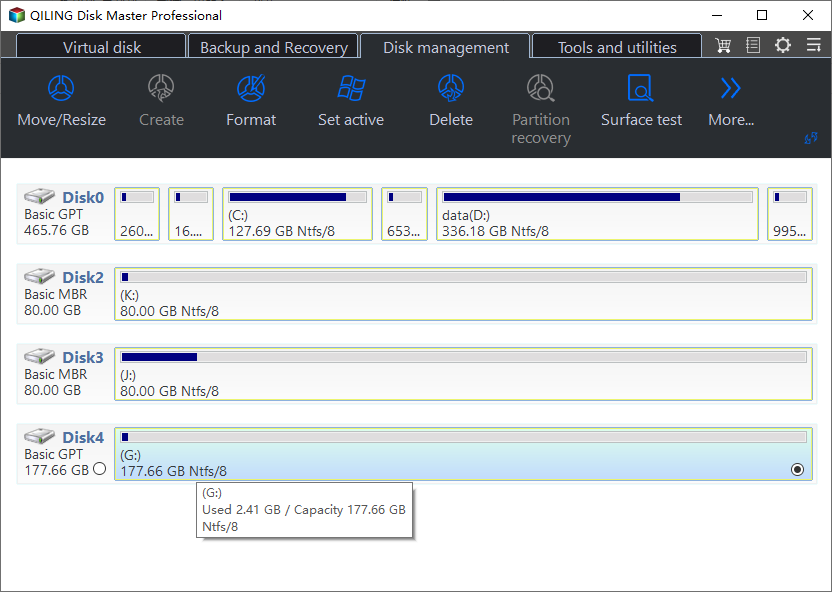
To avoid data loss, back up the files first. You can use Qiling Disk Master to create a backup before converting the disk.
Situation 2:
The source dynamic disk may contain only simple volumes, but the warning can still appear.
This issue occurs when a simple volume occupies two or more slices, as shown by two E: segments on the dynamic disk.
If data is stored across two or more slices of the same volume, direct conversion may be unsafe. Back up the volume first, then recreate or restore the data after conversion.
Related Articles
- Windows 11 Download Without TPM 2.0 & Run Windows 11 Without TPM
It is still possible to get Windows 11 even when your computer does not have TPM 2.0 enabled. Follow this guide to learn how to bypass TPM 2.0 and download Windows 11 without TPM 2.0. - How to Fix Second Hard Drive Not Showing Up (Updated)
You are going to learn at least four ways if the second hard drive not showing up in Windows 10. Among them, the first solution can satisfy your needs best. Qiling Partition Master can make your second hard drive show up with simple steps. - SmartDisk FAT32 Format Utility Free Download [2022 Updated]
This guide explains SmartDisk FAT32 Format Utility Free Download with clear steps, key checks, and practical tips. - How to Fix System and Compressed Memory 100 Disk Usage (7 Fixes)
If you receive a 100 disk usage problem caused by the System and compressed memory, you can solve this high CPU issue now. We provide you with 9 fixes to fix the System and compressed memory high disk usage in Windows 11/10/8/7. Read on and solve your problems now. - Can Windows 11 Run MBR? Your Guide to Install Windows 11 on MBR in 2024
Windows 11 can run on an MBR disk with the right boot mode and setup process, though GPT is generally recommended for better compatibility and security. - Fix Genshin Impact Insufficient Storage Space | Best Ways 🏆
If you're planning to download and play Genshin Impact, you might encounter the 'insufficient storage space Genshin Impact' error on your device, whether it's a PC, Android, or iPhone. To resolve this issue, you can refer to this post for guidance on how to fix it.
Products
Articles & Tutorials
- Data Recovery
- Data Backup
- File Recovery
- File Backup
- File synchronize
- System Backup and Restore
- Disk and Partition Clone
- Technical articles
- Disk Master Help
- Windows Deleted File and Disk Recovery Tutorials
- Windows File and Data Recovery Tutorials
- More Windows Tutorials for Install, Security, Files, and PC Tips
- Windows Boot, Repair, and Recovery Environment Tutorials
- Windows Backup Tutorials
- Windows Restore Tutorials
- Windows Clone and Migration Tutorials
- Windows Server Backup, Recovery, and Management Tutorials
- Windows Disk, Partition, and Storage Management Tutorials