Easy Way to Transfer Windows System to Different Computer
Why transfer system to different computer?
Many users transfer a system to another computer to keep the same Windows environment, applications, files, and settings. This is useful when replacing a PC, recovering from hardware failure, or moving to a new device without reinstalling everything.
When buying a new computer, its hardware is likely to be different from the original one, as computer technology advances rapidly, making hardware upgrades quick and frequent. This implies that when referring to a different computer, the hardware must also be different, effectively making the problem one of transferring a system to a new and distinct hardware.
Simple way to transfer Windows to different computer?
Moving a system to different hardware can be a bit more complex than moving it to the same hardware, but it's still manageable. The process involves updating the system's hardware configuration, reinstalling the operating system and applications, and configuring any necessary drivers or software. While it may require some extra effort, it's not necessarily difficult, and many modern operating systems and software tools can help facilitate the process.
Thanks to software technology advancements, companies like Qiling have developed tools to transfer systems to dissimilar computers on Windows 10/8/7. Qiling's Disk Master, for example, offers an impressive feature called Universal Restore in its latest version, making it easier to transfer systems.
Qiling Disk Master allows you to transfer a system from one computer to another, making it possible to move a system to a different computer. According to the software's Help Documents, the process is relatively straightforward, requiring only a few steps. The first step is to download the software.
To perform a dissimilar hardware restore, follow these steps: 1) Prepare the new hardware by installing the operating system and necessary drivers. 2) Create a new volume in the new hardware and attach it to the existing virtual machine. 3) Copy the VM's files from the old hardware to the new volume.
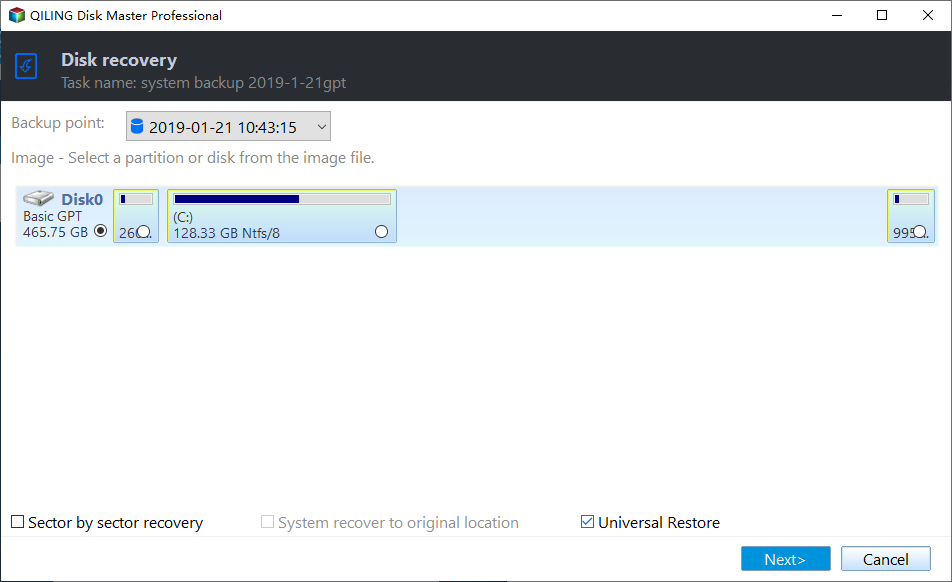
Helpful tools for migrating operating system between PCs
As an IT administrator managing multiple computers in the same LAN, you may need to transfer a system to different computers, not just when you buy a new one. When deploying the same system on computers with dissimilar hardware, Qiling Disk Master can be a useful tool to consider.
Qiling Disk Master has a universal restore function and a practical utility called Qiling PXE Boot Tool, which allows booting computers within a LAN via network without using a hard disk.
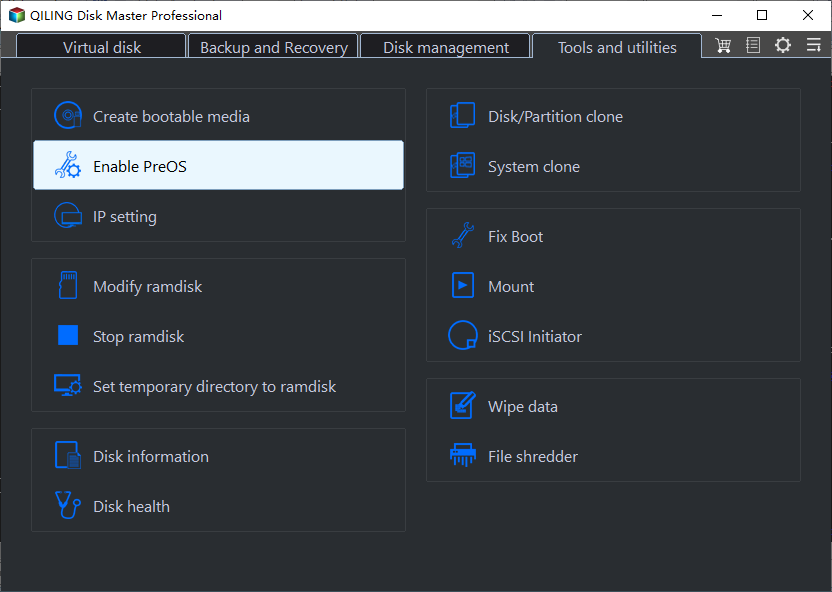
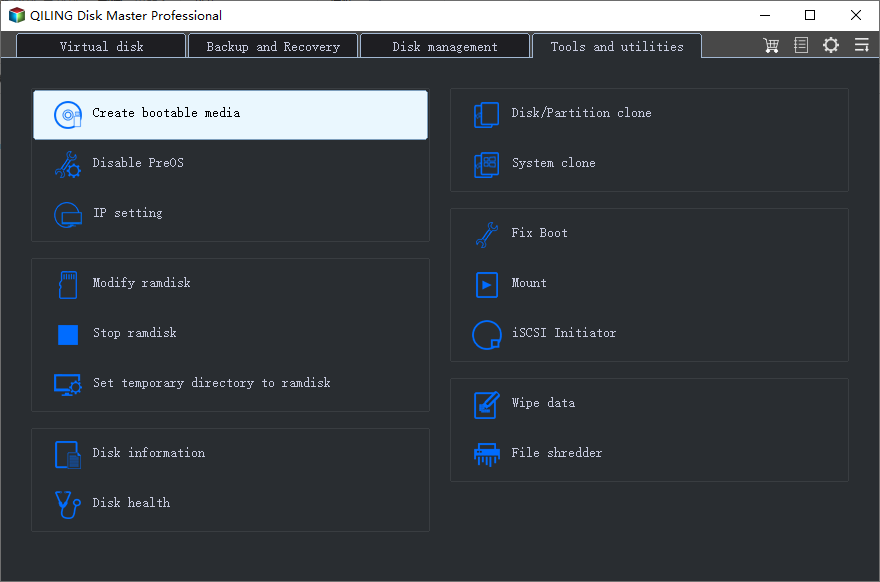
If a critical hardware component like the motherboard or a large storage device fails, you can use Qiling Disk Master's universal restore feature, along with its create bootable media and restore system from bootable disc tools, to recover your system. This allows you to boot your computer from an external hard drive or CD.
Qiling Disk Master offers various editions for different user groups, including Windows PCs and servers. To find the right one, visit the edition comparison center for a detailed comparison. This will help you make an informed decision and choose the best fit for your needs.
Related Articles
- Easiest |Windows Server 2012/2008 Backup Restore to Different Computer
- Simple Way to Move a Windows 10 Hard Drive to a New Computer
- How to Backup Windows 7 and Restore on Another Computer
- How to Fix M2 Drive Disappeared (3 Ways)
The article describes why M.2 drive disappeared and how to fix M.2 drive disappeared with 3 methods. You can also learn how to backup M.2 drive. Please read on. - How to Fix/Remove Bad Image Error Windows 10
The Bad Image error in Windows 10 may affect Explorer, Chrome, Microsoft Office, games, and other programs. This guide explains common causes and fixes. - Fixes for Bad System Config Info Error in Windows 10/8/7
If you receive a startup blue screen with a Bad_System_Config_Info error message on your PC, you won't be able to start Windows 10/8/7. This article provides effective methods to fix the Bad System Config Info error in Windows 10/8/7, allowing you to restart your PC without any issues.
Products
Articles & Tutorials
- Data Recovery
- Data Backup
- File Recovery
- File Backup
- File synchronize
- System Backup and Restore
- Disk and Partition Clone
- Technical articles
- Disk Master Help
- Windows Deleted File and Disk Recovery Tutorials
- Windows File and Data Recovery Tutorials
- More Windows Tutorials for Install, Security, Files, and PC Tips
- Windows Boot, Repair, and Recovery Environment Tutorials
- Windows Backup Tutorials
- Windows Restore Tutorials
- Windows Clone and Migration Tutorials
- Windows Server Backup, Recovery, and Management Tutorials
- Windows Disk, Partition, and Storage Management Tutorials